FEATURE GUIDE 08
Permissions & Onboarding
What Smastar asks for, and why
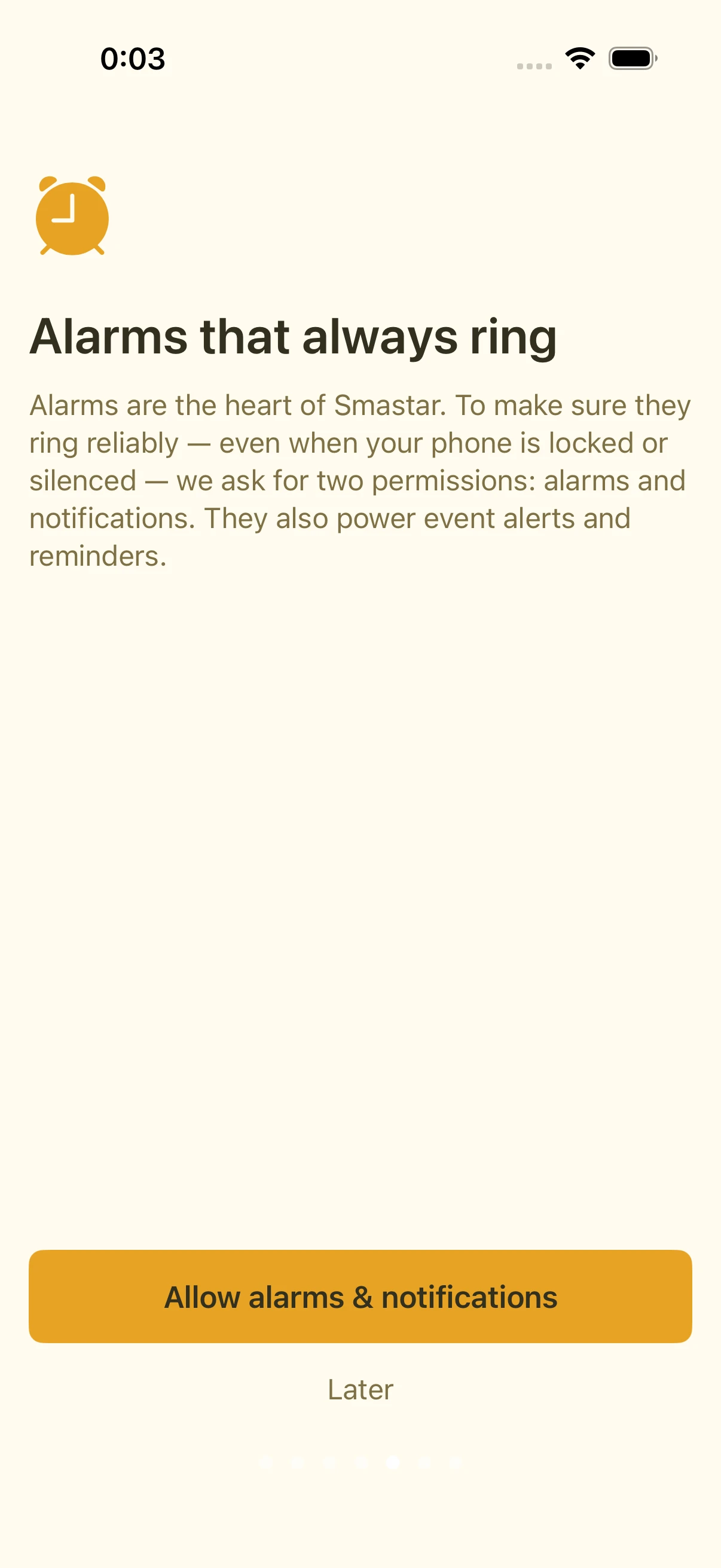
During first-run onboarding, Smastar requests a few permissions. You can decline any of them and still use the app — only the corresponding feature is affected.
| Permission | Used for | If declined |
|---|---|---|
| Alarms (notifications) | Ringing your alarms — the core of the app | Alarms can't fire |
| Location (While Using) | Fetching the morning weather for where you are | No weather in the readout |
| Calendar | Reading events aloud and event pre-alarms | No calendar features |
| Health | Populating the Health tab. Fully optional — you can leave it off during onboarding | The Health tab stays empty; nothing else changes |
Changing your mind later
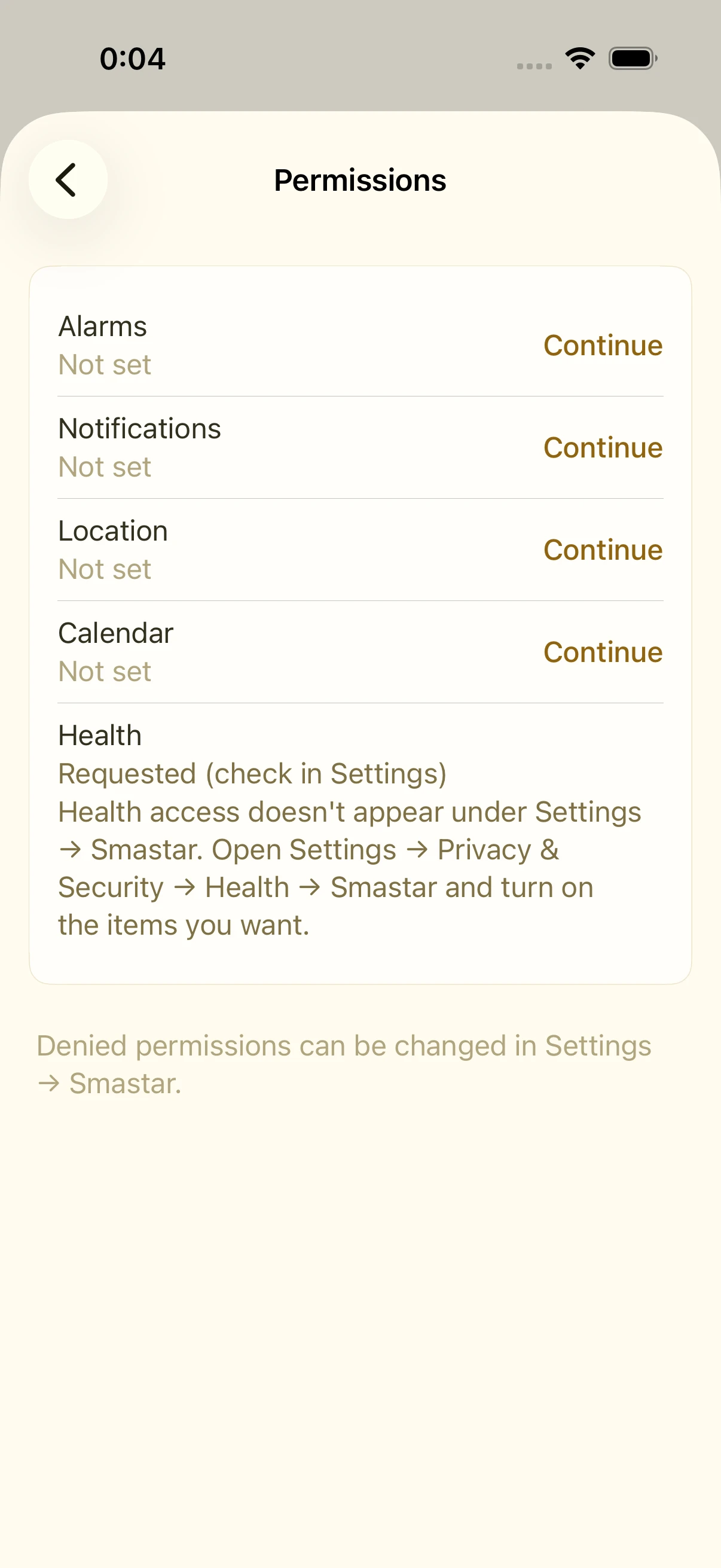
- In Smastar: Settings › Permissions shows the current state
- In iOS: Settings › Smastar (or Settings › Privacy & Security)
Once declined, a permission can only be re-enabled from iOS Settings; Smastar's Settings › Permissions links you there.
FAQ
Does location need "Always"?
No. "While Using" is enough for weather.
I declined Health access but see no error
That's by Apple's design: apps can't tell whether Health read access was denied (a privacy protection). Smastar simply sees no data — no error appears.