FEATURE GUIDE 06
Habits
What it does
Register the things you want to keep doing, and Smastar can fold them into your morning readout. Hearing "today is a running day" the moment you wake beats remembering it two hours later.
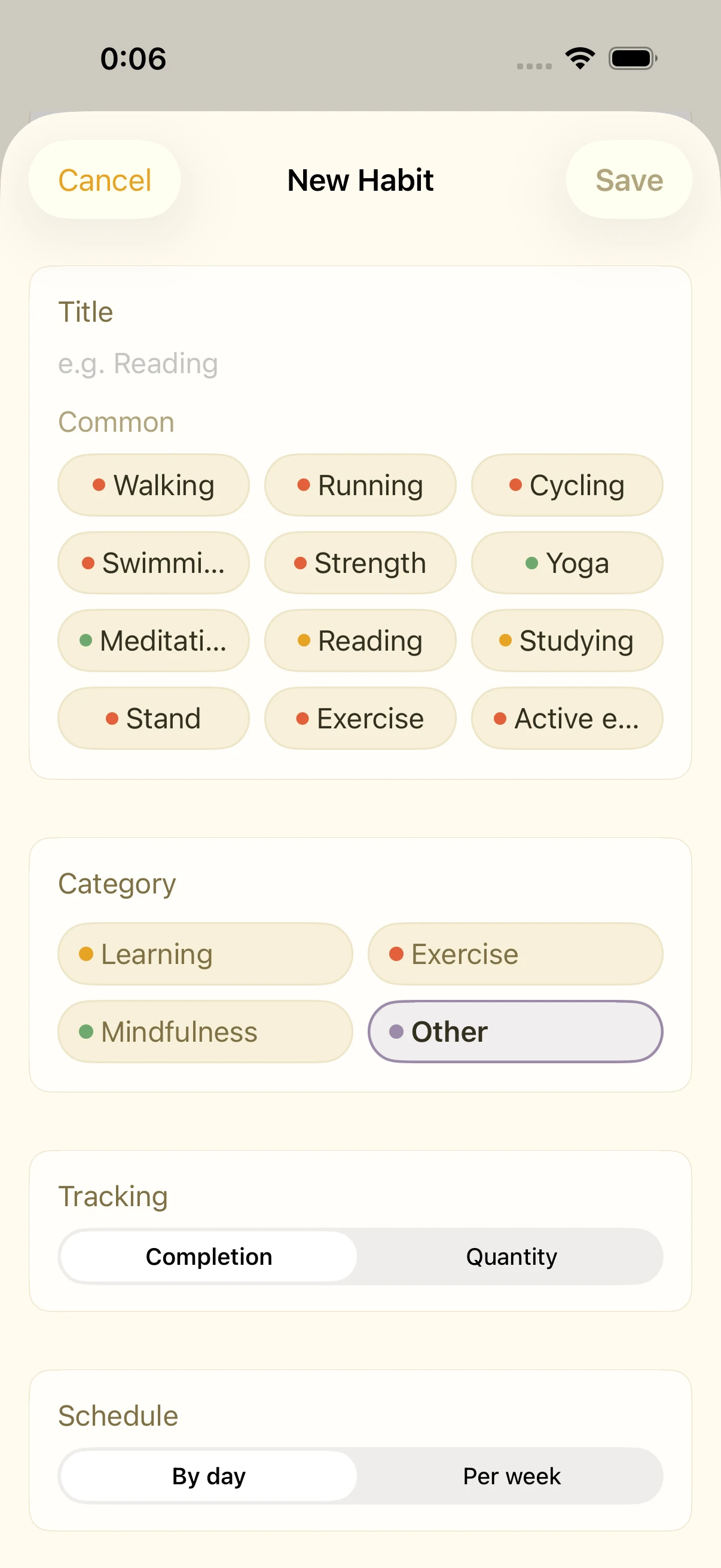
Creating a habit
- Tap "+" in the habits list
- Name it and pick a category:
- Learning (book icon)
- Exercise (running icon)
- Mindfulness (leaf icon)
- Other
- Set the schedule: daily / specific weekdays / times per week
Recording
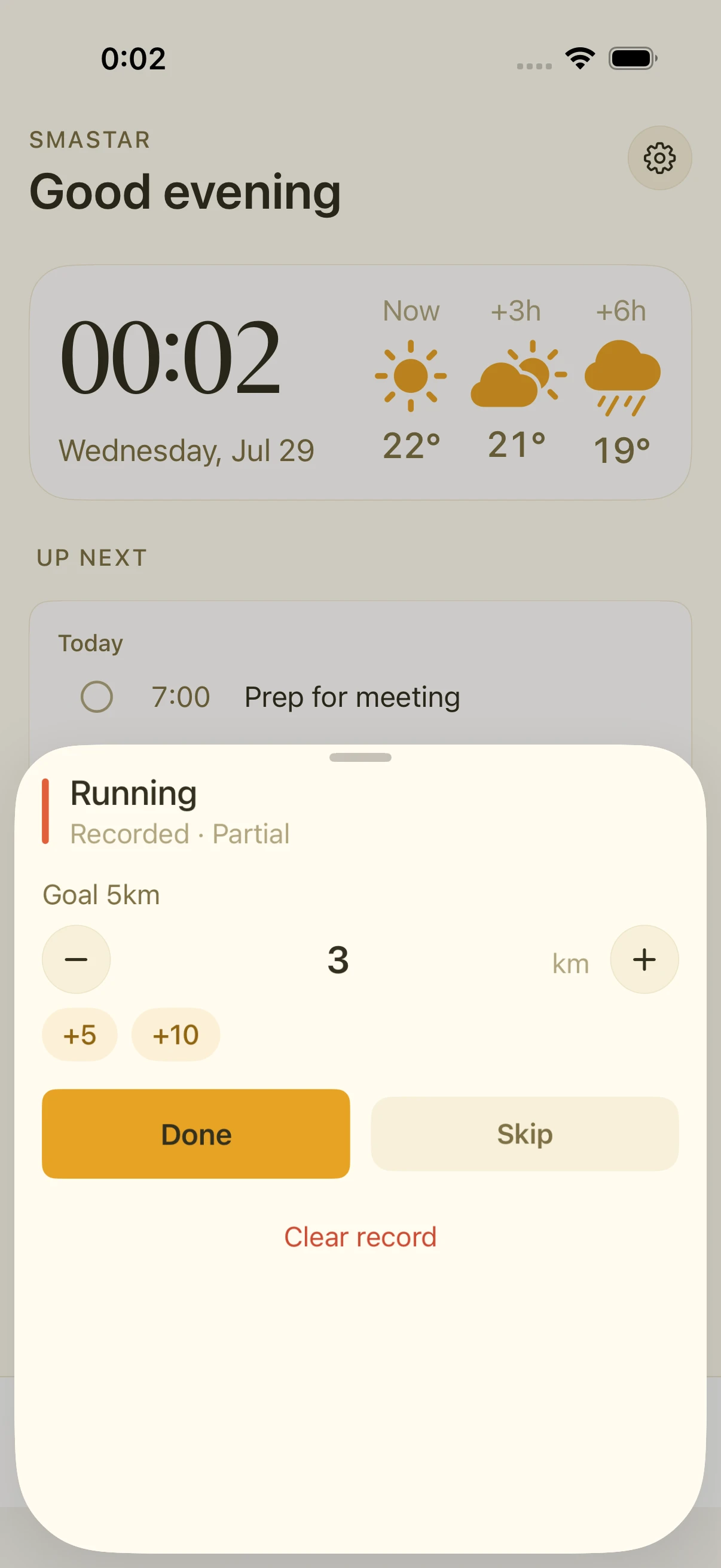
Tap a habit to open the record sheet and log the day. Records also show up in the Health tab's activity calendar, so your streak is visible at a glance.
Hearing habits in the morning
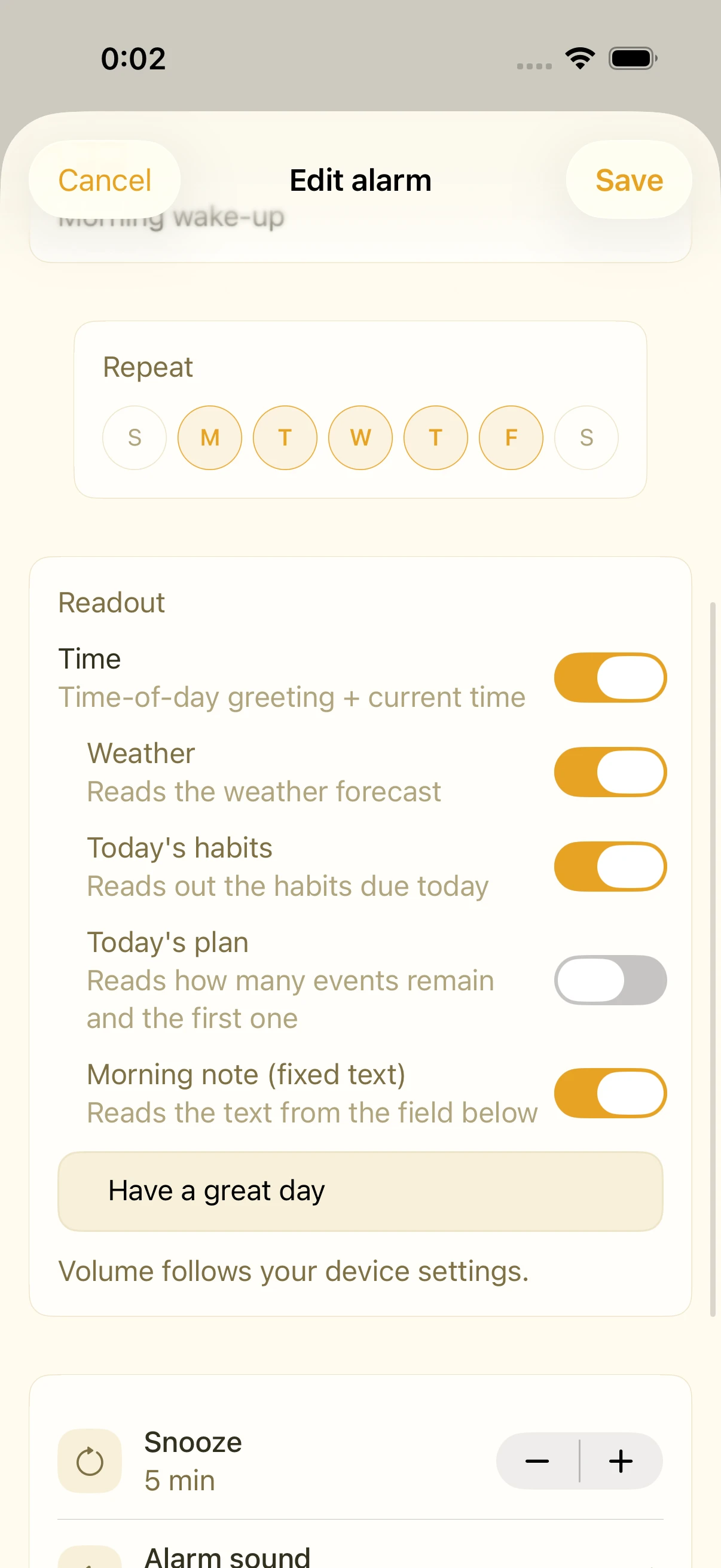
In an alarm's edit screen, include Habits in the readout components. Habits scheduled for that day are then spoken in your morning briefing.
FAQ
Is there a limit on the number of habits?
No practical limit — but the readout gets longer with each one, so keep the morning list to what you actually want to hear.
Can I log a day I forgot?
Yes, past days can be edited from the record sheet.
Related settings
- Alarm edit screen › readout components: Habits on/off
- Health tab: review your streaks in the activity calendar